
“We’ve built a Copilot.”
Okay, but what exactly did you build?
Because that could mean three different things.
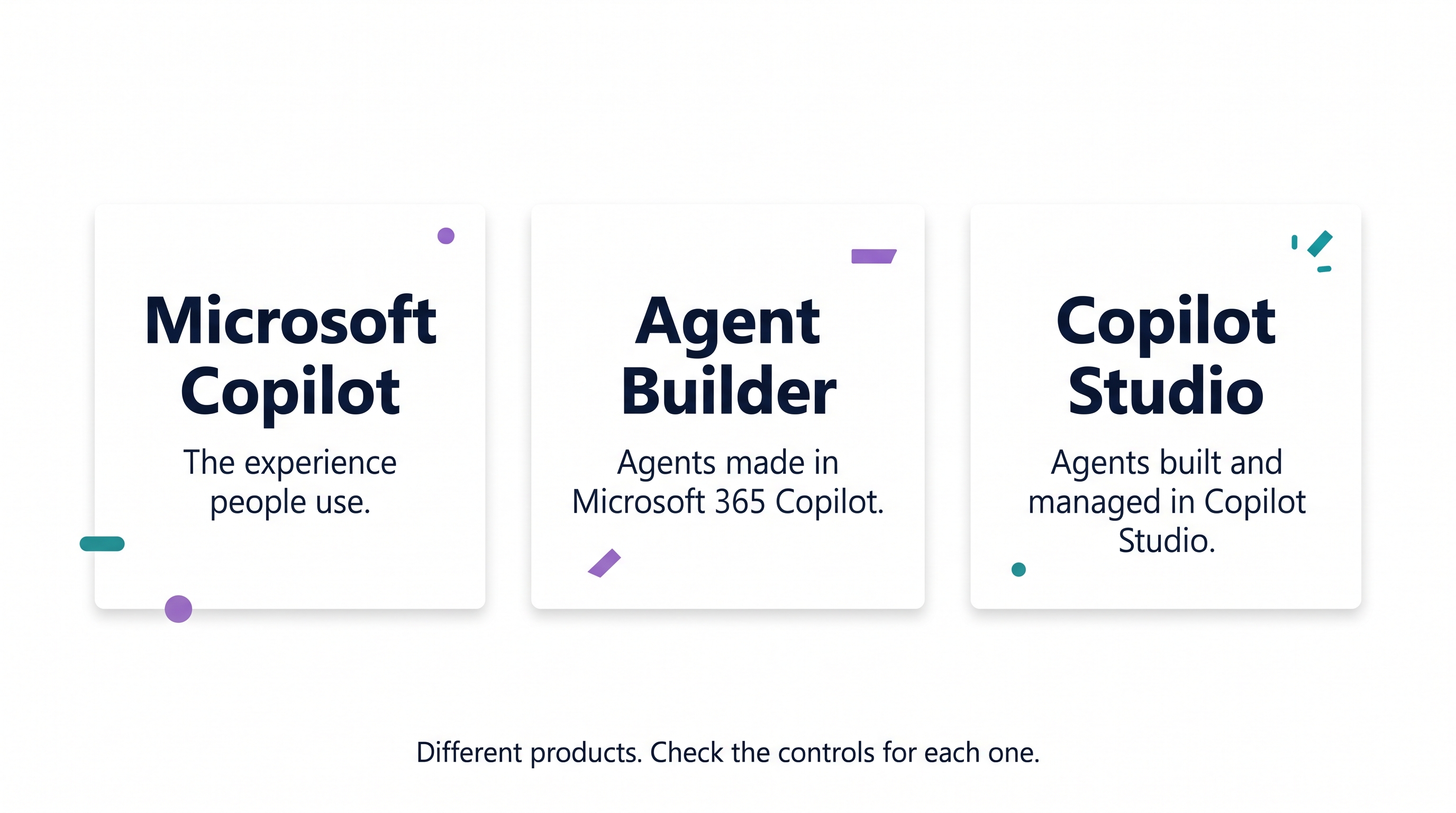
Microsoft Copilot: The AI assistant people use in their daily work.
Agent Builder: Where users can create their own agents inside Microsoft 365 Copilot.
Copilot Studio: Where you can build more advanced agents, connect systems and manage how those agents work.
They are related, but they don't all have the same governance controls.
And that's where things can get confusing.
Imagine someone in your organisation says they've built an agent.
Who owns it? Who can use it? What data can it access? Can it perform actions? And where does IT manage it?
The answers depend on what was actually built.
Before discussing policies, permissions or restrictions, there's a much simpler place to start.
Ask where the agent was created.
Then find out who owns it, who uses it and what it can access.
Three basic questions that already tell you quite a lot.
This is the first post in my series about governance for Microsoft Copilot and AI agents. I'll work through the different products, controls and practical challenges step by step.
Because before we start making rules, we should probably agree on what we're talking about.
So when someone in your organisation says “Copilot”, does everyone actually mean the same thing?